

After your form has been signed with your Senate password, you can submit it to both the House and Senate in a single submission using the “File with Congress” button.
• If the form was not received successfully, a failed message may be displayed depending on the problem with your submission;
See the Troubleshooting Guide for more information on how to correct submission problems
• If the form was received successfully, it is checked to ensure that it has not been altered since it was signed and that the Senate ID number and password are valid:
• If the form or Senate ID number/password are not valid:
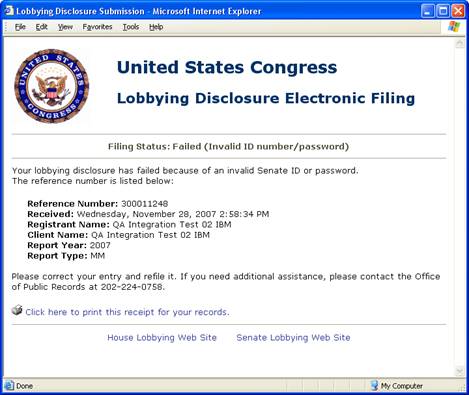
The filing is failed. You must delete the signature, correct the form (if necessary) and sign it again, then resubmit it;
• If the form and Senate ID/password are valid:
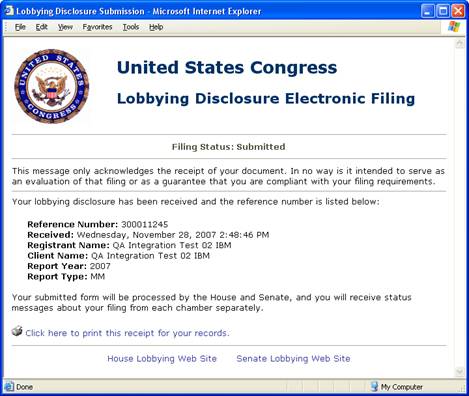
A single confirmation message will be displayed that contains a reference number, registrant and client name, filing year and period, as well as the date and time that you submitted your form.
After a form has been received it will be processed by the House and Senate separately. A second message will be sent from each chamber after it has been processed to notify you of the status of your filing.